To export Question Set Responses:
Step 1: Select the question.
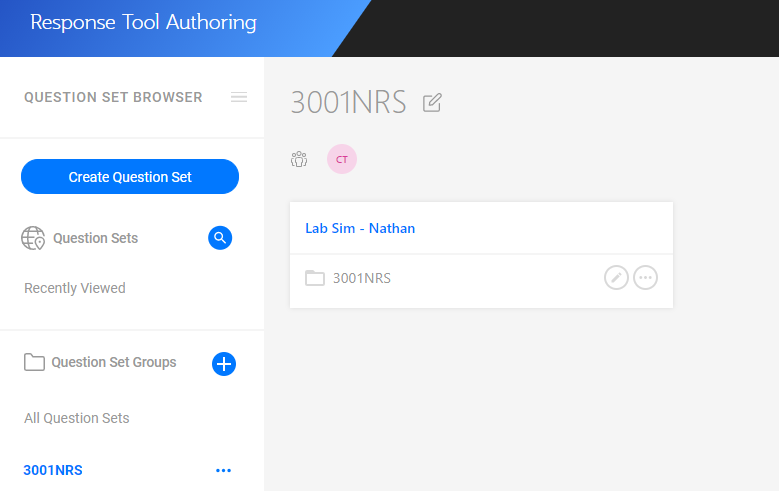
Numbers of responses for each question are displayed in the Response column.
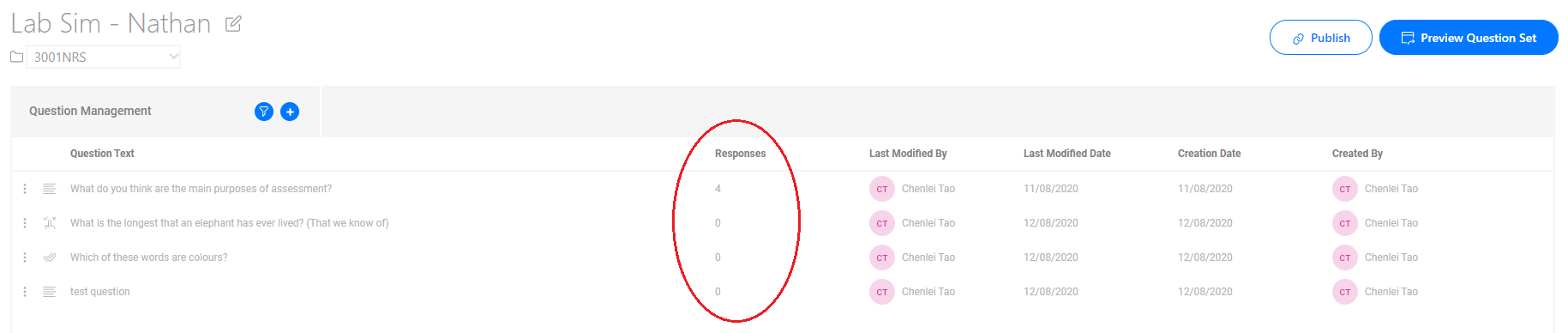
Step 2: Click the Export Responses at the right bottom.

Download the Excel Worksheet named "Response Tool - Question Set Name".

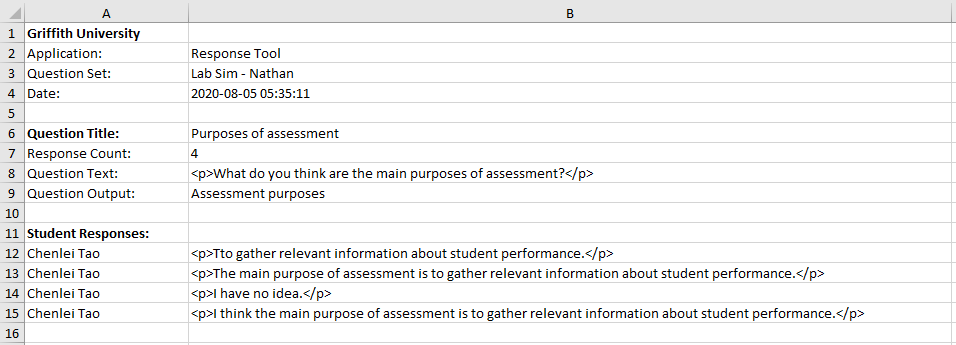
Step 3: Open the Excel Worksheet to view question set responses.
Question detail information and associated responses are displayed.
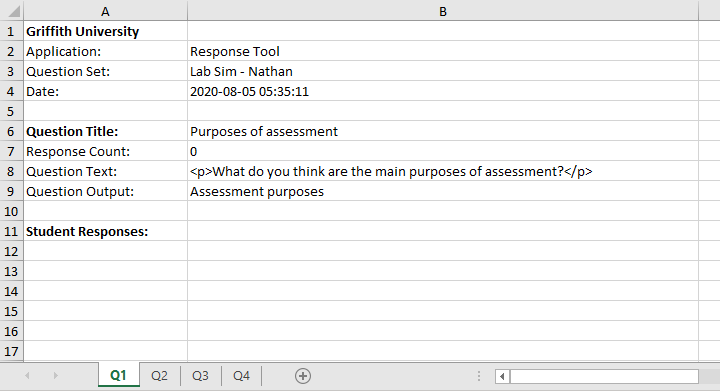
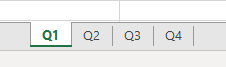
Step 4: Select sheet page at the bottom to find a different question information and associated responses.
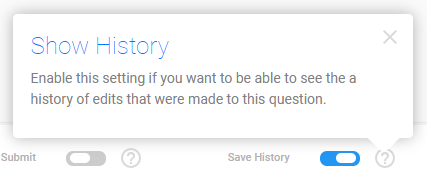
A history of edits that were made to this questions would be listed in Student Responses if Save History is turned ON.
This could be cancelled by turnning off Save History toggle and save this change.